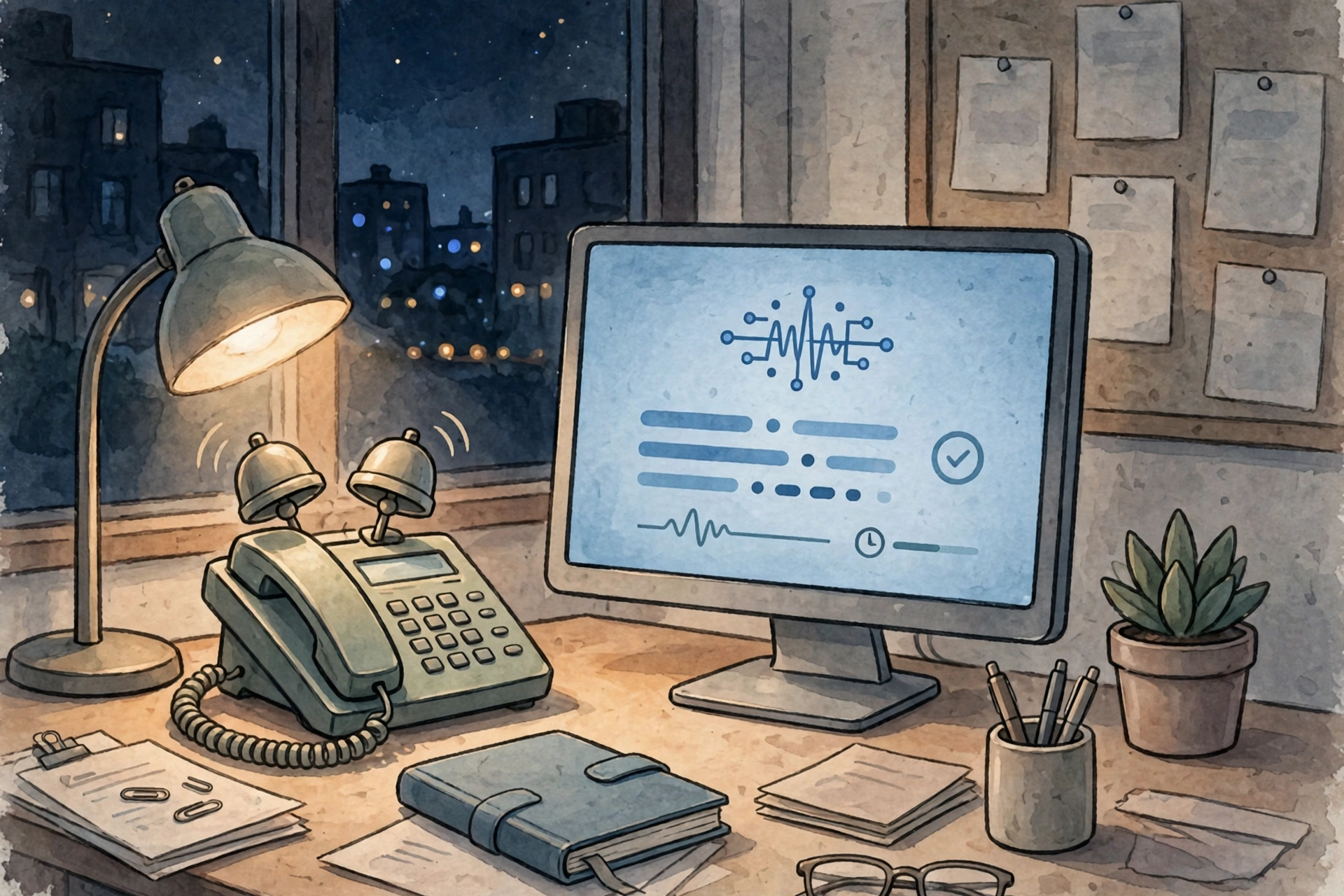
A plumber is under a sink. A dentist is with a patient. A salon owner is cutting hair. The phone rings, nobody picks up, and the caller moves on to the next business on Google.
That is the whole case for an AI receptionist, in one scene. It is not about sounding futuristic. It is about a call that would otherwise go to voicemail.
What an AI receptionist actually does
An AI receptionist is a voice agent that answers your business phone, listens to what the caller wants in plain speech, and acts on it. It can answer a question from your business information, book or move an appointment, take a message, qualify a lead, or transfer the call to a person.
It is not an old phone menu. There are no keypad presses. The caller talks, the system transcribes the speech to text, a language model decides what to do next from the instructions and business facts you gave it, and a synthetic voice replies, usually within a second or two.
After the call you get a short summary by text or email: who called, what they wanted, and what was booked or promised. If the call needs a person, the system is supposed to hand it over, not try to handle it itself.
Most small businesses use one in three places: after hours, when the front desk is busy, and for the same routine questions — hours, prices, service area, directions — that staff answer twenty times a day.
The missed-call problem is real, and it is measurable
You do not need a vendor’s marketing claim to see the problem. You need your own call log for two weeks.
A 2026 study by Upfirst, based on 677,562 calls handled for 2,967 US businesses between January 2025 and August 2026, plus surveys of 270 US consumers and 262 small and mid-sized business owners, found that 58% of businesses miss at least one potential-customer call in a typical week, and 35% miss four or more. In the same study, 78% of consumers said they had hired or bought from a competitor because a business failed to answer or return their call.
Other guides put the missed-call rate higher — 60 to 80% in some trades — and report that 62% of callers will not try a second time. Those numbers come from different samples and methods, so treat them as a range, not a precise figure. The direction is the same in every one of them: a missed call is rarely a caller who waits patiently for a callback.
Do the math for your own business before you buy anything:
Missed calls in 30 days × average value of a new customer × your close rate = what the current setup is costing you each month.
If that number is small, an AI receptionist will not pay for itself. If it is large, the monthly fee starts to look cheap.
What it costs in 2026
Prices changed a lot in 2026, and vendors count usage in different units — per call, per minute, or per unique caller — so compare on your own call volume, not on the headline price.
These are published prices checked in September and October 2026, from the vendors’ own pricing pages as reported in independent comparisons. Check the vendor’s page again before you decide, because plans change:
- Smith.ai (AI): free tier, 25 calls a month, then $3.00 per call. Pro is $150 a month for 75 calls, then $2.50 per extra call.
- Voksha: $14 a month for 15 calls, then $1 per call.
- Goodcall: $79 a month, billed per unique caller rather than per minute.
- My AI Front Desk: $99 a month, $79 on an annual plan, built around scheduling.
- Rosie AI: $49 a month for 250 minutes, aimed at solo operators and home-service trades.
- Ruby (human): $250 a month for 50 minutes, answered by people, not software.
- Smith.ai (human): $300 a month for 30 calls, staffed by live agents.
A full-time in-house receptionist is a different scale. The US Bureau of Labor Statistics puts the median receptionist wage at $18.27 an hour in May 2025, about $38,010 a year before benefits, sick days, and cover for evenings and weekends. That buys one person for one shift. An AI receptionist buys coverage at night and on weekends, but it does not buy judgment, warmth, or someone to greet a walk-in.
Most small businesses land between about $100 and $400 a month for a managed platform with booking and calendar connections. Simple do-it-yourself apps start around $15 a month. High-volume setups can reach $1,000 to $1,500 a month once telephony, booking, and monitoring are included.
Watch the overage. A $49 plan that charges $2.50 per extra call stops being cheap at 200 calls a month. Ask three questions before you sign: what counts as a call or a minute, what happens after the included amount, and how do you cancel.
Who it fits, and who it does not
It fits best when the work on the call is mostly intake and booking, and a meaningful share of calls arrive outside business hours.
Plumbers, electricians, roofers, dentists, clinics, law firms, salons, gyms, and restaurants all fit that pattern. Their callers usually want one thing: a time slot, a price range, a service area, or a person to call back.
It fits badly when call volume is low enough that a voicemail and a callback habit would fix the problem, when intake is genuinely complex, or when you personally want to be the one who answers. It also fits badly when the call itself is the sale — a consultative first conversation that depends on reading the buyer. In that case, keep a person on that call and let the agent handle everything that is not that call.
Three kinds of call should always go to a person, and your setup should say so in writing:
- An upset caller. A patient who is frightened, a client whose job went wrong, a customer angry about an invoice. A voice agent can be calm and fast. It cannot be reassuring in the way a person who knows your business can.
- An emergency. A burst pipe, a medical problem, a safety issue. The agent should transfer, not triage.
- A price negotiation or a complaint about money. Let a person handle it, and let the agent take the message if nobody is free.
How to set one up without annoying your callers
Forwarding your number is quick. The real work is the information the agent answers from, and the rules for when it hands a call to a person.
1. Write down the facts first. Hours, services, prices, service area, staff names, and the ten questions you get most often. If the agent only has a thin knowledge base, it will mostly take messages. If it has wrong facts — a Saturday window that ended two months ago, a price you changed last year — it will quote them confidently, and your team will have to apologise later.
2. Set the handoff rules before you go live. Name the situations that go straight to a person, the number to transfer to, and what the agent should say while it transfers. Test the transfer with a real phone, not just in a demo.
3. Tell callers it is AI. In Upfirst’s 2026 survey, 80% of consumers said they would want an AI receptionist to identify itself at the start of a conversation. In February 2024, the FCC ruled that AI-generated voices count as artificial voices under the Telephone Consumer Protection Act. Disclosure rules also vary by state, so check the rules where your business operates before you launch.
4. Run it for two weeks, then read the transcripts. The first two weeks are a test, not a launch. Read the call summaries every day. Fix the wrong answers, add the missing facts, and tighten the handoff rules. Most bad deployments are not bad technology — they are a knowledge base nobody updated, or leads nobody worked after they were captured.
5. Start small if you are unsure. A missed-call text-back — an unanswered call gets a text within seconds — costs a few dollars a month to run and recovers some callers on its own. Add a voice agent only when you miss more than a few calls a day, a third of them after hours, and the caller mostly needs a time slot.
The bottom line
An AI receptionist is worth it when you can prove you are losing calls, when a meaningful share of those calls arrive outside business hours, and when the work on the call is mostly intake and booking rather than judgment.
It is not worth it when your call volume is low, when intake is complex, or when the caller needs a person, not a system. In that case, the money is better spent on a callback habit, a better voicemail, or a human answering service for the hours you cannot cover yourself.
Count your missed calls for two weeks. That number, not a vendor’s demo, will tell you whether to buy one.
Frequently asked questions
How much does an AI receptionist cost for a small business?
Most managed platforms run about $100 to $400 a month in 2026, with entry plans from free (Smith.ai, 25 calls) to $49 to $99 a month. Human answering services start higher — Ruby at $250 a month for 50 minutes, Smith.ai’s human plans at $300 a month for 30 calls.
Can an AI receptionist book appointments?
Yes, when it is connected to your calendar. It can book, move, and cancel appointments, and send a confirmation. It cannot finish a request that needs access it does not have — a payment system, a case file, or a customer account it cannot reach.
Will callers know it is AI?
They should. Most consumers in the 2026 Upfirst survey wanted the agent to identify itself at the start of the call, and the FCC treats AI-generated voices as artificial voices under the Telephone Consumer Protection Act.
Is an AI receptionist better than a human receptionist?
It is better at coverage — nights, weekends, and busy periods — and worse at judgment, warmth, and difficult conversations. Most businesses that keep one use it first for routine calls, with a person behind it for the calls that deserve one.
What is the cheapest way to stop missing calls?
Start with a missed-call text-back. It costs a few dollars a month, it reaches the caller within seconds, and it tells you how many calls you were actually missing before you pay for a voice agent.